
FEISUOLUO SOFTWARE
Capture AssistantOne card. A complete streaming setup.
Free with FEISUOLUO capture cards.
Multiple outputs, live captions and voice control in one panel.
Install on a Windows computer. Copy the link and send it to your computer.
The software language defaults to Simplified Chinese.
Windows may show an unknown publisher. After confirming the installer came from this official website, follow the prompts if “More info” and “Run anyway” are available.
CAPTURE / CREATE / CONNECT
Creation starts with a connection.9outputs
Each one switches on and off
3caption types
Speech recognized on your computer
24cities
World clock as its own output
4consoles
Controls gathered in one place
01 / Outputs
One picture,three independent outputs.
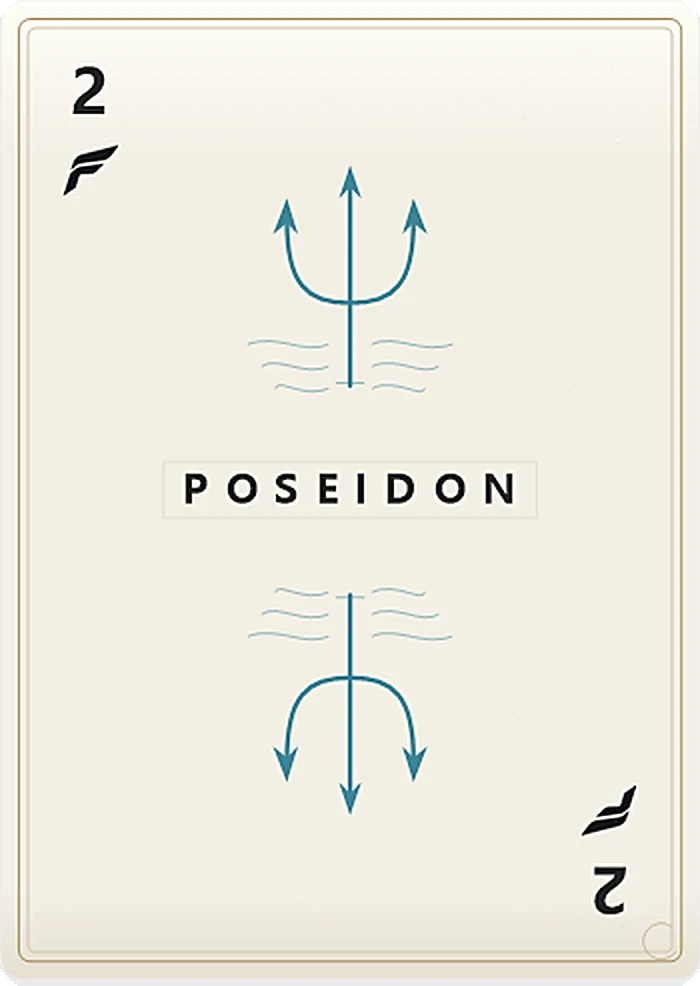
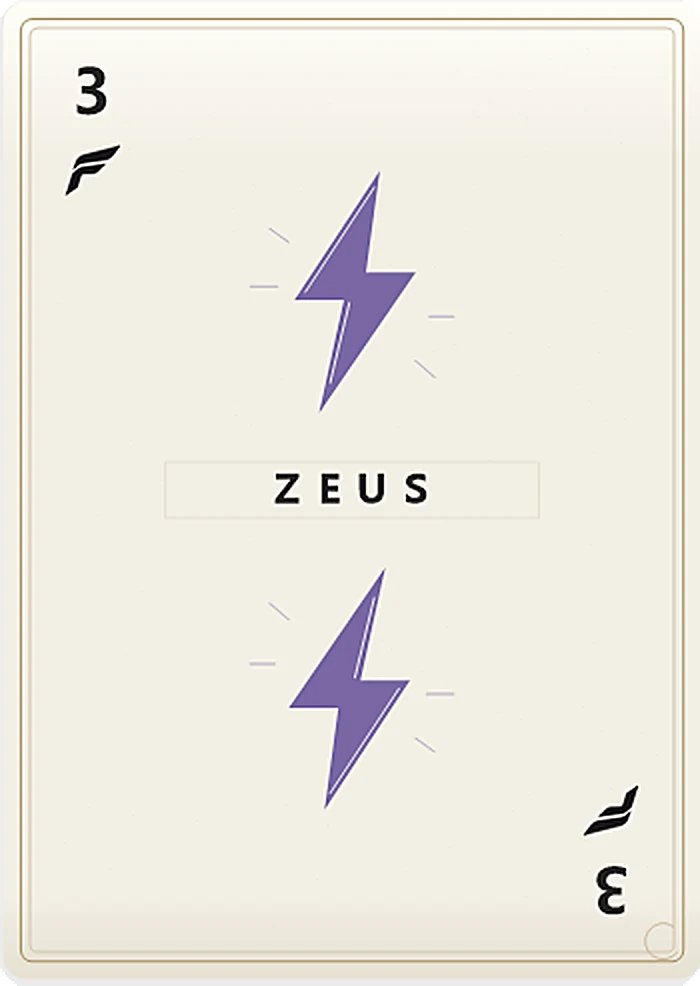
The same picture splits into Apollo, Poseidon and Zeus, like three cards with three jobs. Bring just one of them into OBS, switch each on or off on its own, and add image overlays.

APOLLO
Output on
POSEIDON
Output on
ZEUS
Output on
Try the switches · each output is independent
Six more creator outputsNine outputs in total
- 04Zimu1Live captions
- 05Zimu2Fish captions
- 06Zimu9Teammate captions
- 07TimeWorld clock
- 08TOP1Creator output
- 09MirrorMirror view
02 / Captions
What you say, what your team says,all becomes captions.
Each caption type has its own output, and speech is recognized on your computer. Adjust size, outline and backing opacity, and drag captions into place in the preview.

Demo
Mid lane this round
Stay close to me
Recall after this fight
03 / World clock
24 cities,pick one and it's on screen.
Choose a city and its local time becomes the Time output. These are the real times right now. Try selecting one.

04 / Xiaoluo voice
Say the word,and Xiaoluo takes care of it.
Control directly with no wake word, or set the safety wake word “Xiaoluo Xiaoluo”. The microphone is not monitored until voice commands are turned on. Commands are spoken in Chinese.
Xiaoluo is ready
Pick a command to see what Xiaoluo does.
Picture protection covers every video output in one step without disconnecting devices. Hold the safety key on the overview page for 2 seconds to restore.
05 / Consoles
Stay in the picture,and still run the show.
Controls for OBS, Live Companion, music and your go-to apps, gathered in one panel.
OBS console
- Previous scene
- Next scene
- Start recording
- Save replay buffer
Scenes, recording and replays
Live Companion console
- Custom A
- Custom B
- Microphone
- Go live / End
Detected automatically once Live Companion starts
Music console
- Previous
- Next
- Pause
- Self-check
Works with QQ Music
Live DOCK
Bring your go-to apps to the front in one click
06 / Before you go live
Test first,go live with confidence.
Plug in M60 MASTER and the assistant reads the USB link and capture format. One click measures bitrate, frame-rate variation and a stability score.
Input bitrateMeasuring
2654.2
Mbps · UVC measured · smoothed
0Display range3200 Mbps
Stability score
95points · Excellent
- Frame rate
- 60.00FPS
- Frame-rate variation
- ±1.26FPS
- USB link
- 5Gbps · SuperSpeed
Sample data: 2560 × 1440 · 60 FPS · NV12. Actual results vary with the source, computer and cables.
Video processing
FOLO Picture Management Aggregation Engine
Audio processing
FOMO Ultra-Low-Latency Fusion Engine
Research and development
FEISUOLUO Vision and Human-Computer Interaction R&D Center
Download Capture Assistant
Free with FEISUOLUO capture cards · Windows 11 (64-bit) · v4.77 · 741.89 MiB
Install on a Windows computer. Copy the link and send it to your computer.
Getting started
Three steps to start creating.
- 01
Connect the devices
Connect the source to the capture card and USB to the computer.
- 02
Select the sources
Open the assistant and select the video and audio devices.
- 03
Check and start
Confirm picture, sound and output settings.
Installation and version information
v4.77 integrated build; the installer is unsigned. Please install it manually through the official website. Before installing, close the assistant, OBS, and Live Companion; restart your computer if prompted.
Some features require detection of a FEISUOLUO capture card or a valid license. Contact technical support if you have questions.
Verify the installer
SHA-256 checks file consistency. It is not a digital signature or security certification.
0D3EADE64AA359C452B19C9BEDD9861FB65D57F8BC4C3105B8EAD81949964455Software screens on this page are demonstrations. Values vary with your devices and computer.